
Sign up Today 1.866.699.4759 or Order Online
See if fast fiber internet is available at your address

Experience greater coverage and lower latency with our fiber-optimized WiFi 7 router.
LEARN MORE
Check availability in your area
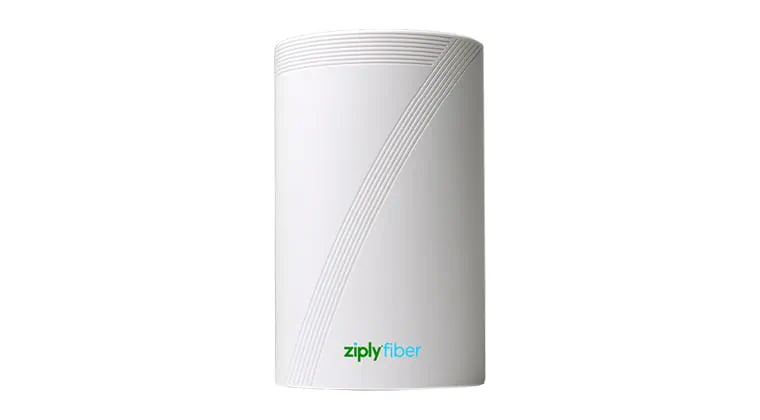
Our state-of-the-art WiFi 7 router is optimized for the Ziply Fiber network and designed for the fastest speeds and greatest coverage.
Pair the speed of fiber-optic internet with the most powerful WiFi technology available. Our most popular plans include a WiFi 7 router at no additional cost.
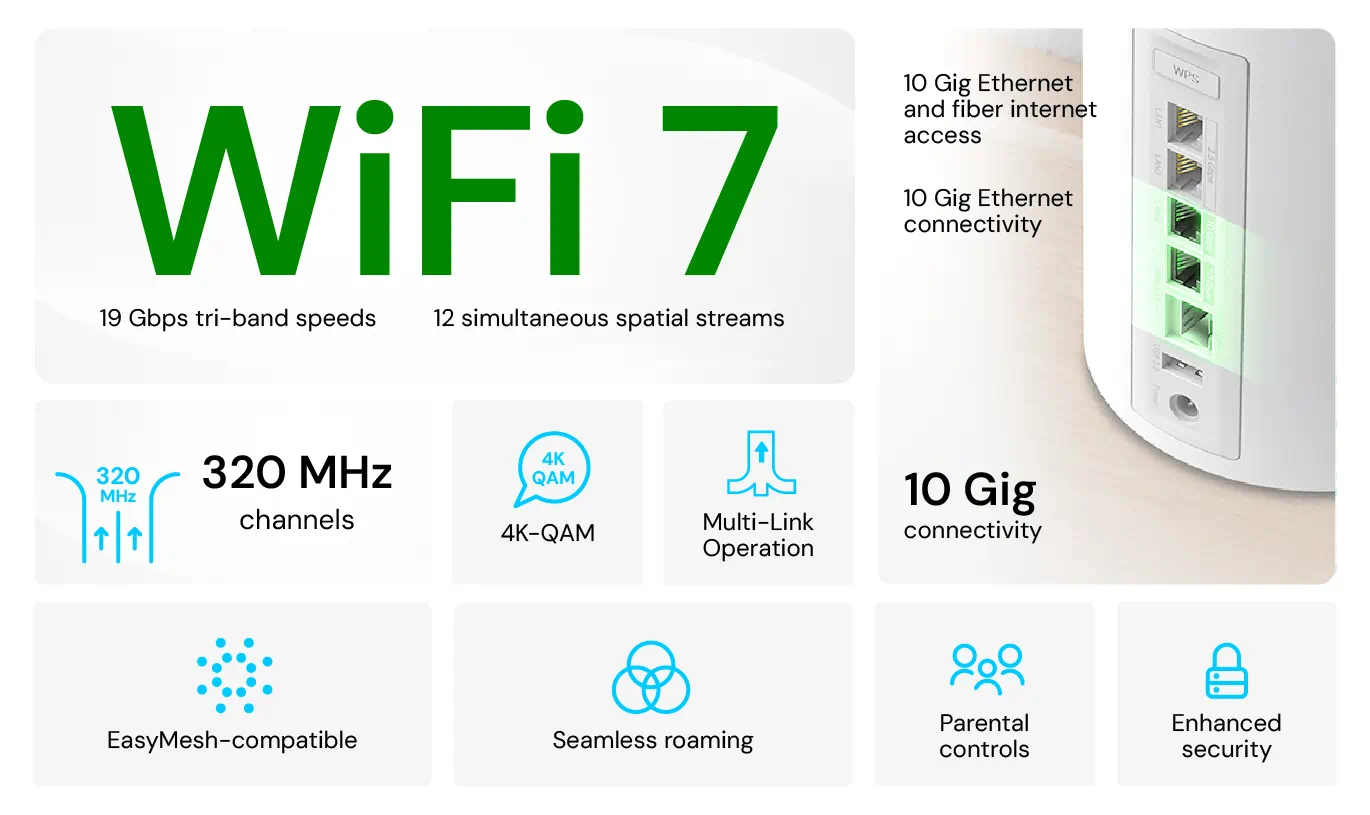

WiFi 7 connectivity allows for better all-around connected experiences. Cloud gaming, AR/VR and 8K streaming reach new heights, and MLO-supported IoT devices integrate even more smoothly into your home.
Multi-Link Operation (MLO) enables multiple frequency bands to work at the same time. This means higher speeds and ultra-low latency for faster page loads, smoother connections and seamless gaming.

Ziply Fiber SafeConnect provides comprehensive security with VPN, identity protection, password manager and scam protection for up to 10 devices.
GET STARTED

The WiFi 7 router is more efficient, ensuring you get the most out of your speed plan. These cutting-edge devices can achieve speeds of up to 3 Gbps for wireless connections, providing ultra-fast internet access for multiple devices simultaneously.
For wired connections, WiFi 7 routers push the boundaries even further, supporting speeds of up to 10 Gbps.
Our powerful WiFi 7 router delivers coverage to most homes without the need for WiFi extenders. Keep in mind that provisioned speeds refer to the wired speed. Wireless devices will see a decrease in speed.
WiFi 7 brings several significant enhancements to the table:
Our WiFi 7 router provides better coverage and usually reduces the need for WiFi extenders. A technician can help determine whether you need extenders during your installation.
Whoa, America’s fastest internet is on its way to your home. Congratulations! At this time, 50 Gig is so powerful that it requires you to provide your own router.
Legacy routers rely on two radio frequency bands, 2.4 GHz and 5 GHz. With Multi-Link Operation, a 6 GHz band is added, allowing for a much faster and smoother connection.
WiFi 7 is poised to become the next mainstream router, but not all devices have caught up. Check with your device manufacturer to find out if it’s WiFi 7 compatible and consider upgrading older devices.
Fiber internet already solves the problem of network congestion with dedicated connectivity to each home. Homes wired with fiber internet don’t share their connection with the neighborhood, so they won't experience network congestion in general. The WiFi 7 router optimizes this connection by improving the strength of the WiFi signal.
You will receive the Arris WiFi 6 router, powering both your internet and phone connection seamlessly with one device. Our WiFi 6 router includes ports for telephone service.
While we optimize our routers for our network to bring you the best internet performance, you're free to use your own router. You'll just want to be sure it's suited to support the speed of your fiber internet plan. Different speed tiers have different technical requirements. Check router specifications.

When setting up your internet connection, the router you choose can make or break your online experience.

Our WiFi 7 router app puts you in control of your connectivity by allowing you to manage all the devices on your network, check bandwidth and speed, set parental controls and update your router as needed.
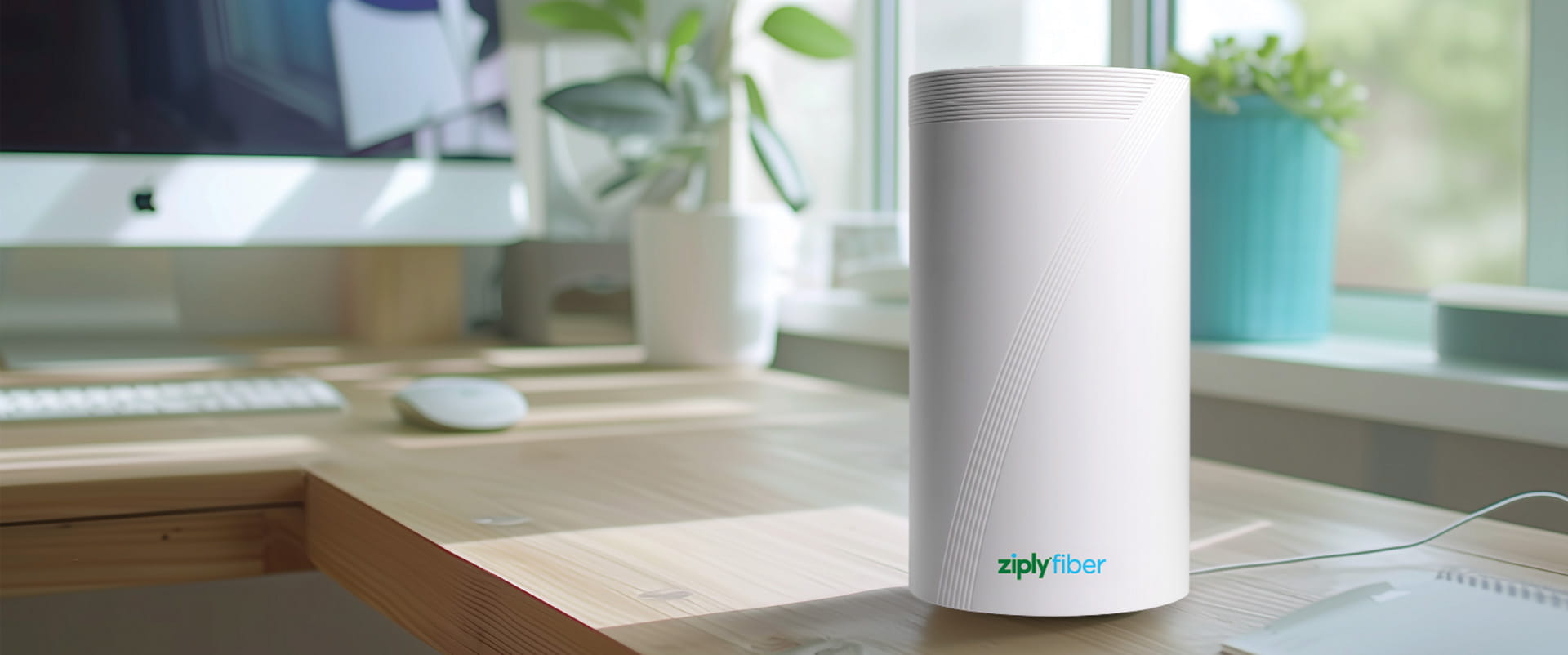
In today's hyper-connected world, the difference between frustration and satisfaction with your home internet often comes down to your WiFi router.