
By David Triboulet, Director, Network Engineering at Ziply Fiber
You've probably heard the words "latency" and "ping" as they relate to the internet. Both terms refer to the time it takes for a request to reach the server and come back to your computer. They're different but closely related, and their performance is important, especially for people who rely on the internet for activities that require a speedy connection, like gaming and videoconferencing.
Whether you're unfamiliar with internet terminology or a tech enthusiast who loves to get into the weeds, this article will break down these concepts.
Latency
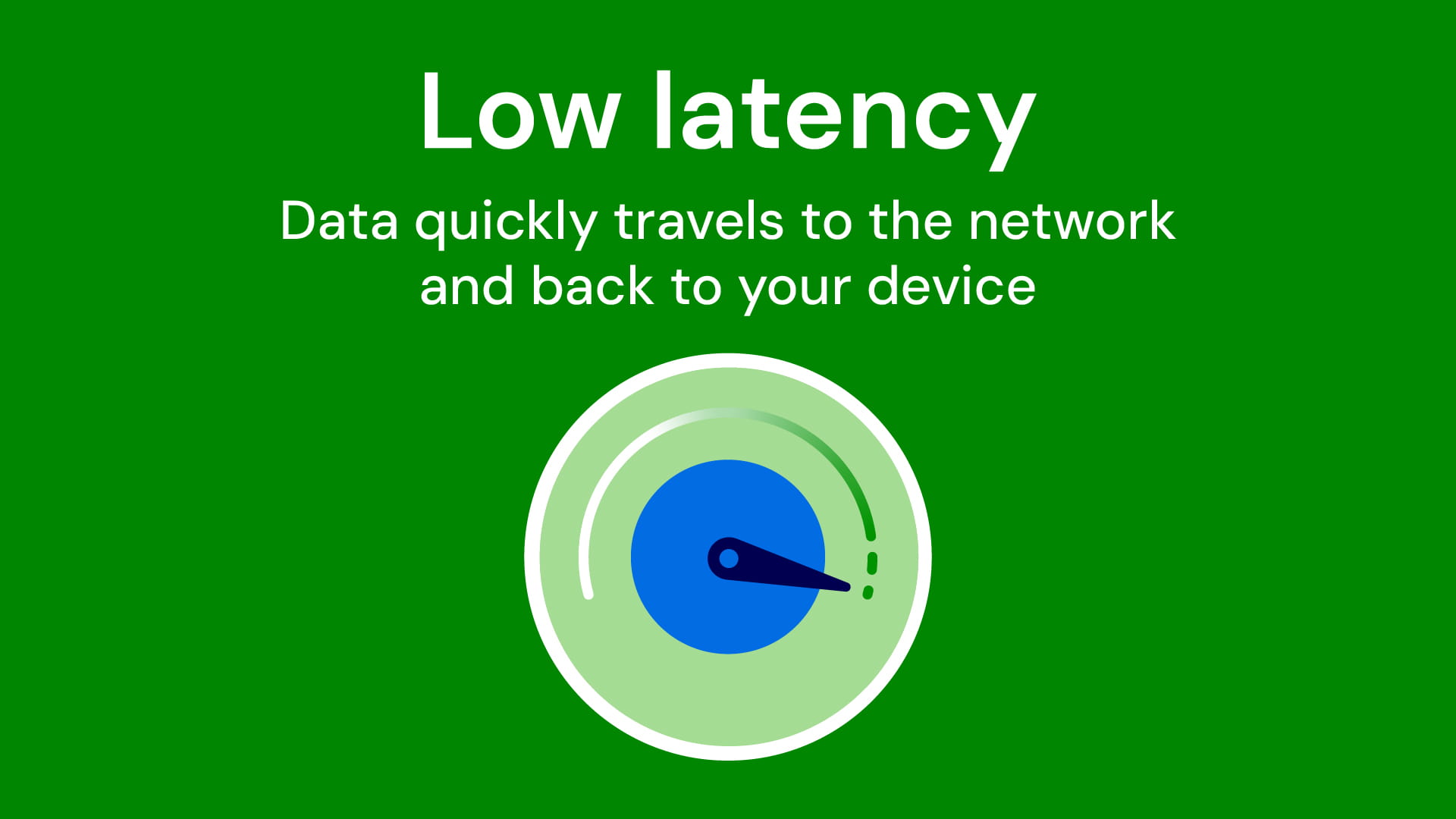
Latency refers to the time it takes for data to travel from click to network and back. That amount of time, even if it's less than a second, constitutes a delay—hence "latency."
To break that down into practical terms, let's say you click on the link "cutest cat videos EVER." The website hosting the video receives that request and sends a response to your device. The link opens and the page loads. Joy ensues.
Networks function a little bit like the postal system. In this analogy, latency is defined by the roundtrip travel time for a letter to get to its destination and the response to come back.
To break that down: you write a letter to your pen pal and put it in the mail. The postal worker picks up your letter, puts it in a truck and drives it to a post office for sorting. Another postal worker carries your letter to the recipient; the recipient writes a letter back to you and puts it in the mail. The total time it takes your letter to get to its destination and the response to get back to you is latency. Latency is unavoidable, but it can be made worse by certain factors, such as distance, hops from local networks to other networks, signal quality and congestion.
You can think of network architecture as the system of highways, arterials, streets and even alleys and paths from a city all the way out to the suburbs and rural areas. The farther you are from the city center, the longer it will take to get there, and the more roads you will have to take.
Same for your internet connection. In this analogy, if the server is the city and your laptop is in the suburb, the data has to travel on that "road" and back. And in actuality, it's probably many roads and at least one highway to get from the suburb to the city, right? The same goes for your data transmission: it may need to travel along multiple paths to get to the server on which the cat video lives and then get back to your screen. If a network isn't very efficient, if the quality of your internet isn't so great, or if there is a lot of traffic on these network "roads," you'll see greater latency. That may be why it takes a couple of seconds, as opposed to a millisecond, to witness the adorable tabby falling into the fish tank.
Ping
Ping is a fun little word. Ping allows us to measure latency, the distance, the delays, and how long the request takes to get back to you. One way to think about ping is like a Ping-Pong ball. When you make a request to the internet, say, "funny baby video," imagine a Ping-Pong ball bouncing to the server where this video lives. Then it bounces right back, and within seconds you're watching a chunky toddler mashing peas in his hair. The time it takes for the Ping-Pong ball to go to its destination and back is ping.
What this proverbial Ping-Pong ball does is check to see if the server is available. If you've ever told someone to "ping" you, you're essentially asking them to make contact. An even simpler explanation is to compare it to echolocation. Animals like bats and whales send out high-frequency signals that bounce off objects, which help them determine the distance from another object. Submarines do the same thing to estimate how close they are to other vessels and the seafloor. In fact, the request that your device sends the server is called an ICMP Echo Request. Ping is basically sonar for the internet.
The time it takes to "ping" a server—to send a message to the server and get a response that the server is available—is latency. You want low latency and low ping, that is, a very short amount of turnaround time for your cat or baby videos. If the ping goes out into the network and does not find its destination, you'll be notified with a "request timed out" error message.
How to improve latency and ping
High latency and ping will lead to noticeable problems, like slow page loads and video calls that glitch or freeze.
One way you can control how fast your device connects to a server is to upgrade your internet technology, if you can. Fiber internet will deliver faster speeds on more reliable networks than cable, DSL or satellite. If you're on fiber internet already, restarting your router and WiFi extenders can help. Software upgrades and having your connection reset at the network level can improve your connectivity as well. Finally, connecting with an Ethernet cable, rather than using WiFi, will result in faster speeds and lower latency.
To sum up, latency is the concept of how long it takes data to reach your device, and ping is the measurement tool. You want low latency and low ping to get optimal internet connectivity. To find out your device's latency and ping rate, all you need to do is run a speed test, like this one.
Visit ziplyfiber.com/internet to check out our fast, reliable, low-latency and low-ping plans.
About the Author
David Triboulet helps design the systems that keep our network fast, resilient and built for the future.