
WiFi is everywhere you go. From the coffee shop to the local park, you can connect to the internet practically any time you need to or want to.
But how does WiFi work, and does it matter what kind of network it's on? Let's take a look.
How WiFi works
WiFi uses radio waves to connect devices to the internet. Think of your router like a translator: your fiber network delivers the message, and your router converts it into a wireless signal your devices can understand. The strength of your signal depends on several factors, including the quality of your internet connection and router. Learn more about how wireless networks work.
Fiber internet improves WiFi signals
Fiber internet's high speeds and stability can lead to better WiFi range and coverage. WiFi routers, often with the help of WiFi extenders, can efficiently distribute data to connected devices, reaching farther into your home or office. Faster WiFi speeds translate to quicker downloads, smoother streaming and reduced buffering times, allowing you to enjoy uninterrupted online activities.
Another great thing about fiber is that internet service providers can offer much higher bandwidth capacity. This means that multiple devices connected to the same WiFi network can enjoy faster speeds without slowing each other down. Households or offices with numerous connected devices will notice a significant improvement in overall network performance and responsiveness.
Read more: Why you should make the switch to fiber internet
Is fiber internet more reliable than cable for WiFi?
Is fiber internet more reliable than cable for WiFi? Yes. Because fiber delivers a more stable, consistent signal to your router, your WiFi connection inherits that reliability. You'll see fewer sudden drops or slowdowns, whether you're in a video call, streaming a movie or gaming online
Read more: Fiber vs cable: What sets these internet technologies apart?
Routers
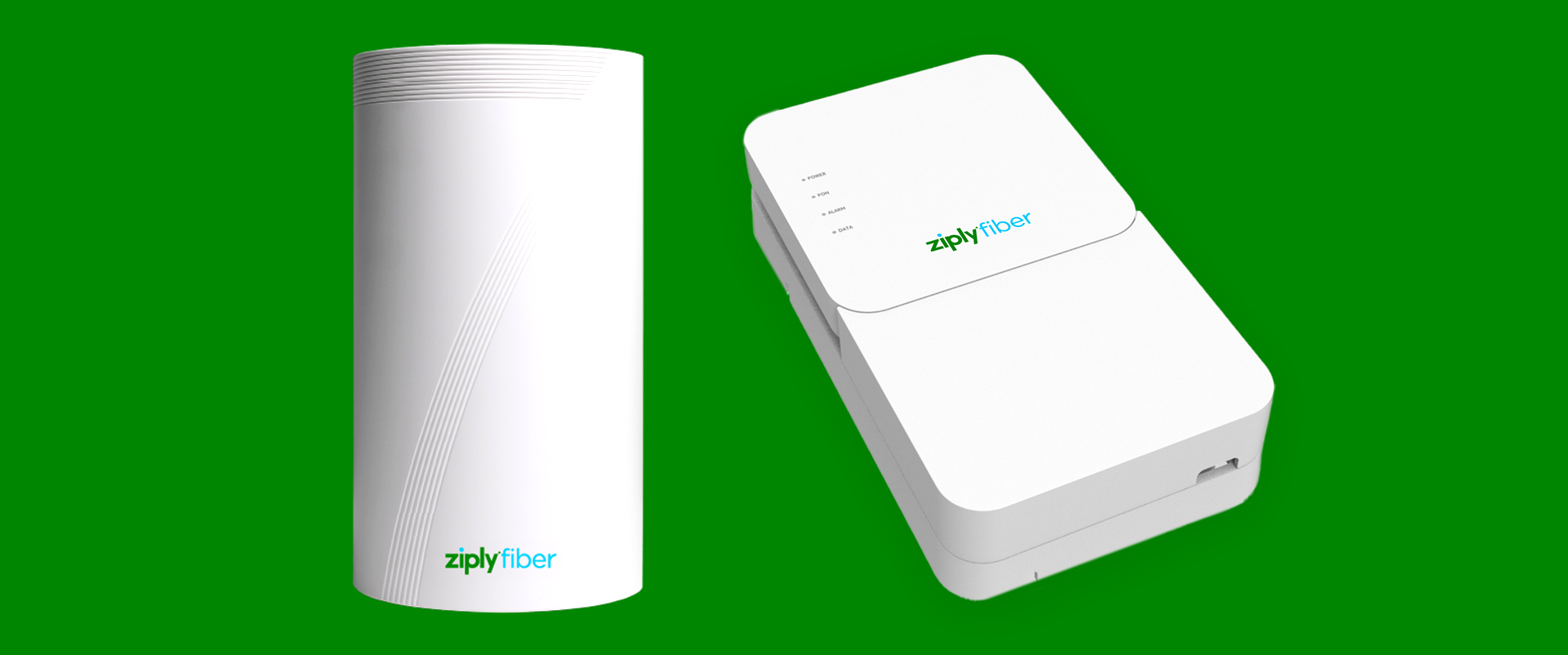
Routers connect to your modem or, in the fiber-optic industry, an Optical Network Terminal (ONT). They translate the network signal into radio waves so that you can connect your devices without plugging an Ethernet cable into them.
When your connectivity starts to drag, your router is often to blame. Usually this can be fixed with a reset or by calling your ISP to update your router's software at the network level. You'll want to be sure your router is up to date and compatible with your service.
At Ziply Fiber, we offer two types of routers that are compatible with our state-of-the-art fiber network. Our WiFi 7 router uses the latest technology to deliver fast, reliable connectivity, available to all Ziply Fiber customers.
Read more: What equipment is needed for fiber internet?
WiFi 7
WiFi 7 takes internet speed to a new level. While traditional routers use two frequency bands, WiFi 7 opens up a third band, the 6 GHz band. WiFi 7 can also jump around all three bands, meaning you consistently have the smoothest, fastest connection possible. WiFi 7 is so powerful, many customers will find they no longer need WiFi extenders to reach dead spots around the house.
Read more: WiFi 7: the next generation of wireless connectivity
Fiber and WiFi are better together
Fiber internet and WiFi are complementary technologies that work best together. The faster and more stable your internet connection, the better your WiFi performance, meaning less lag, fewer drops and faster speeds across every device in your home.
A WiFi 7 router designed for your fiber network takes that even further, extending fast, reliable coverage to every corner of your space. Together, fiber internet and the right router deliver the seamless connectivity you need now, and well into the future.
Check your address to see if our fast fiber-optic plans are available where you live.